Instant image search
Search the entire Pixabay library of free photos, illustrations and vectors with a single field. Share any search as a link.
Free · Open source · Self-hosted
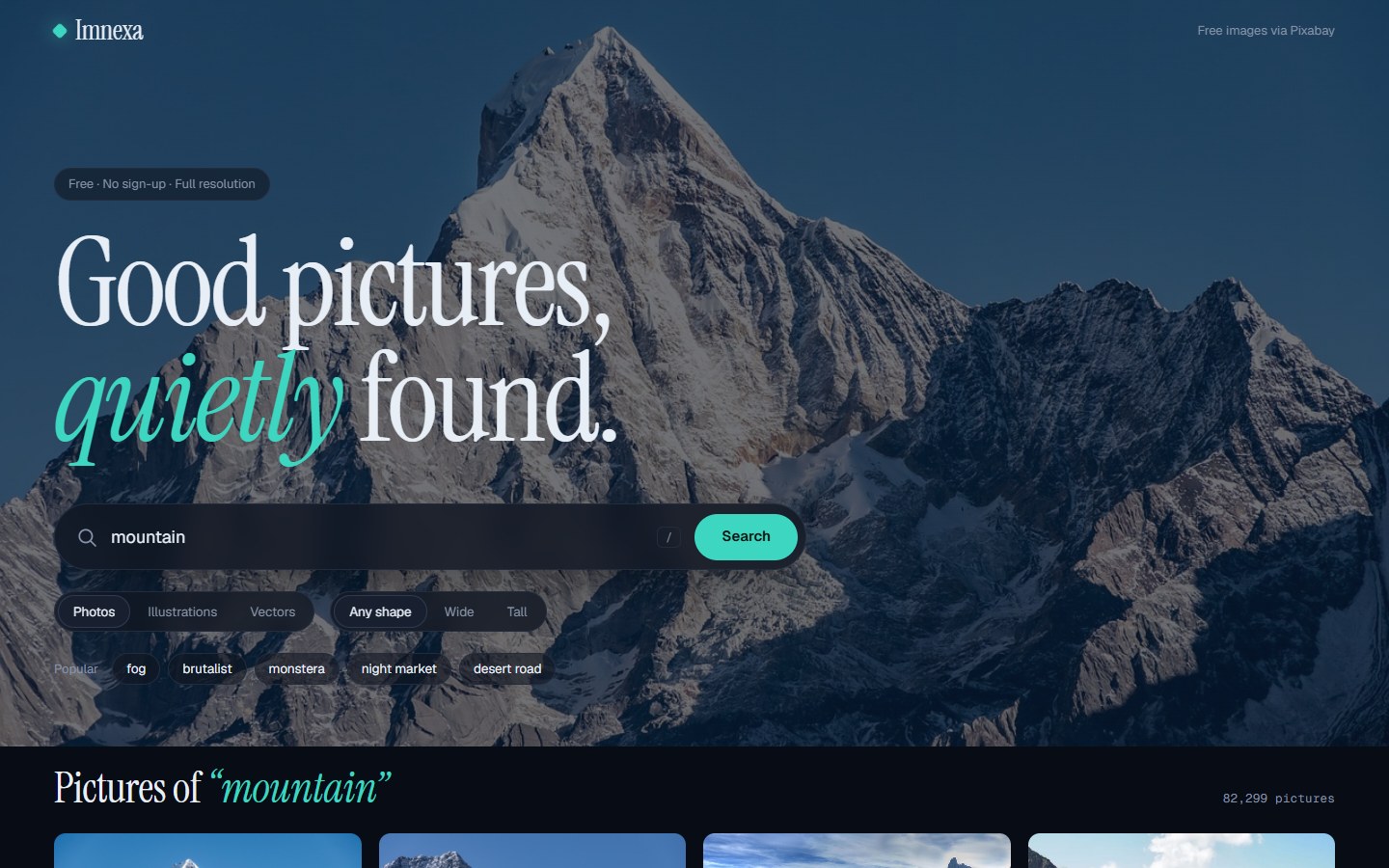
Imnexa is a free image search and downloader built on the Pixabay API. Search millions of royalty-free photos, illustrations and vectors, preview them in a clean viewer, and download the full-resolution file in one click.
$ git clone https://github.com/Karthigamurugadoss/imnexa-image-downloader.git
Features
A focused tool, not a stock-site clone. Search, look closely, download.
Search the entire Pixabay library of free photos, illustrations and vectors with a single field. Share any search as a link.
One click saves the large image straight to your device, named by its Pixabay ID, with the correct file type.
Narrow results to photos, illustrations or vectors, and to wide or tall pictures, without leaving the page.
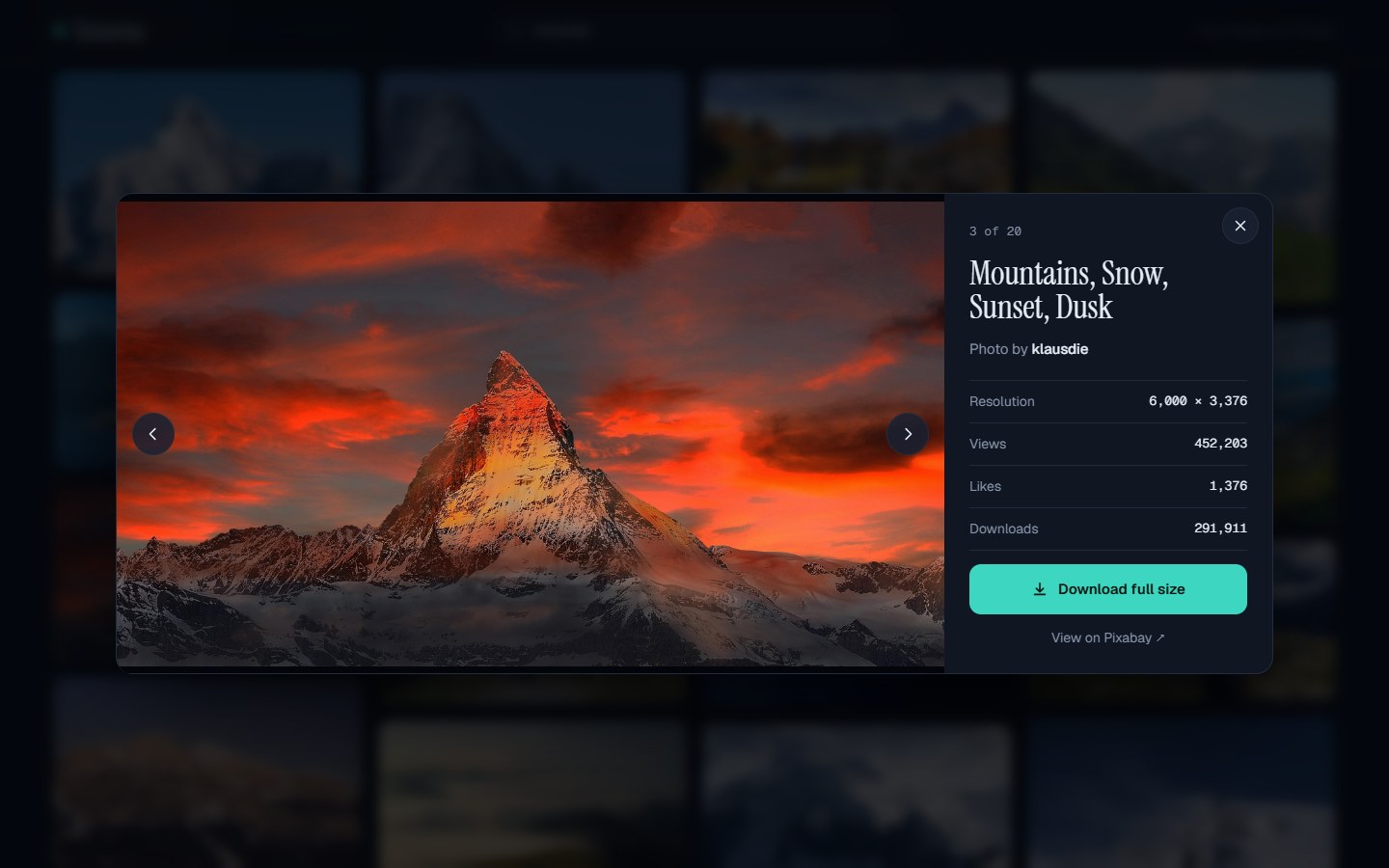
Open any picture large, see its resolution, views, likes and downloads, and move through results with the arrow keys.
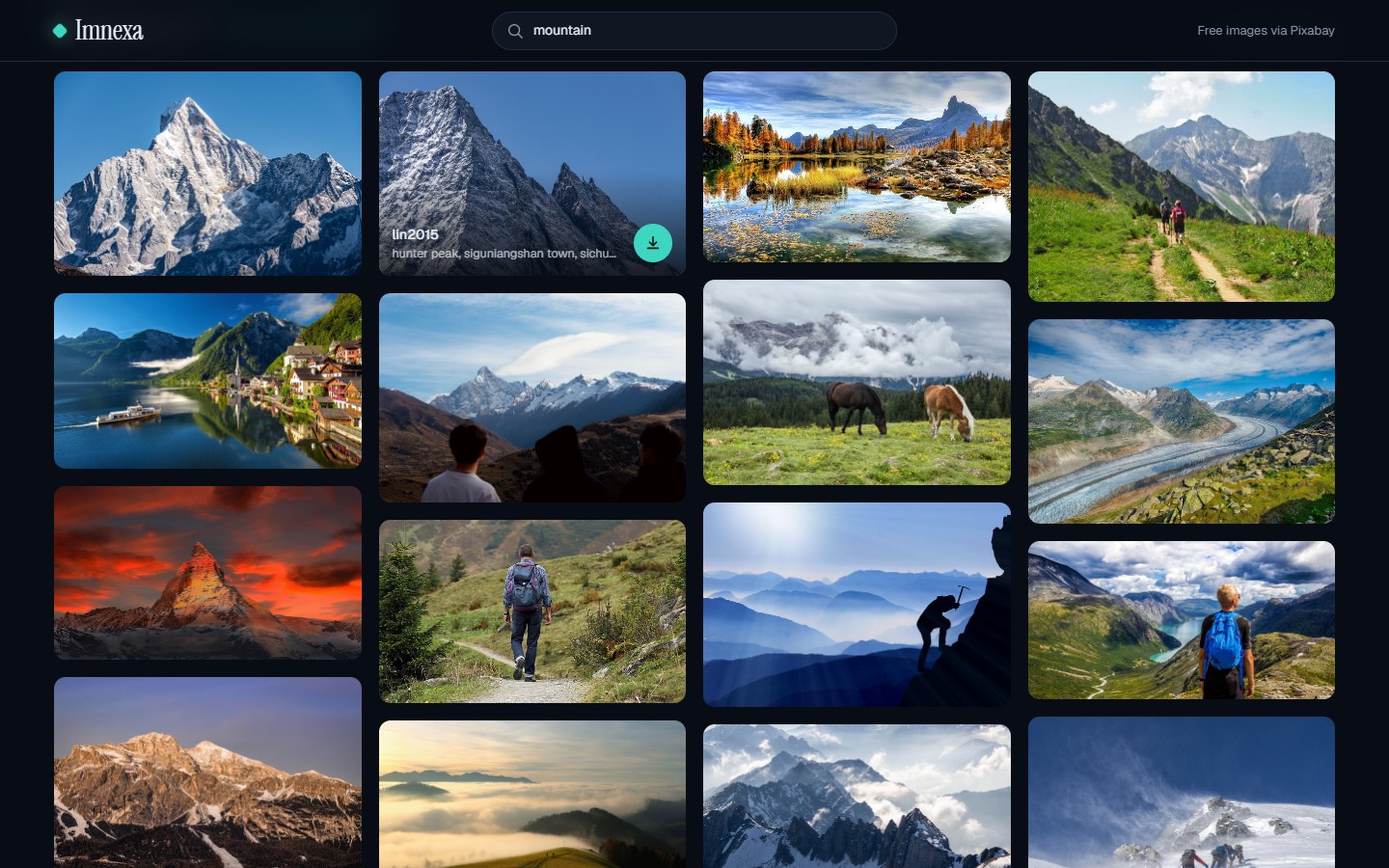
Pictures keep their real aspect ratio, so tall and wide shots sit together without awkward cropping or layout jumps.
Your API key never reaches the browser, downloads are restricted to Pixabay, and a strict content security policy is on.
How it works
You need Python 3.9+ and a free Pixabay API key.
Get the code and install the three dependencies.
git clone https://github.com/Karthigamurugadoss/imnexa-image-downloader.git
cd imnexa-image-downloader
pip install -r requirements.txt
Copy the example file and paste your key from pixabay.com/api/docs.
cp .env.example .env
# edit .env:
PIXABAY_API_KEY=your_key
Start the server and open it in your browser.
python app.py
# open
http://127.0.0.1:5000
Screenshots
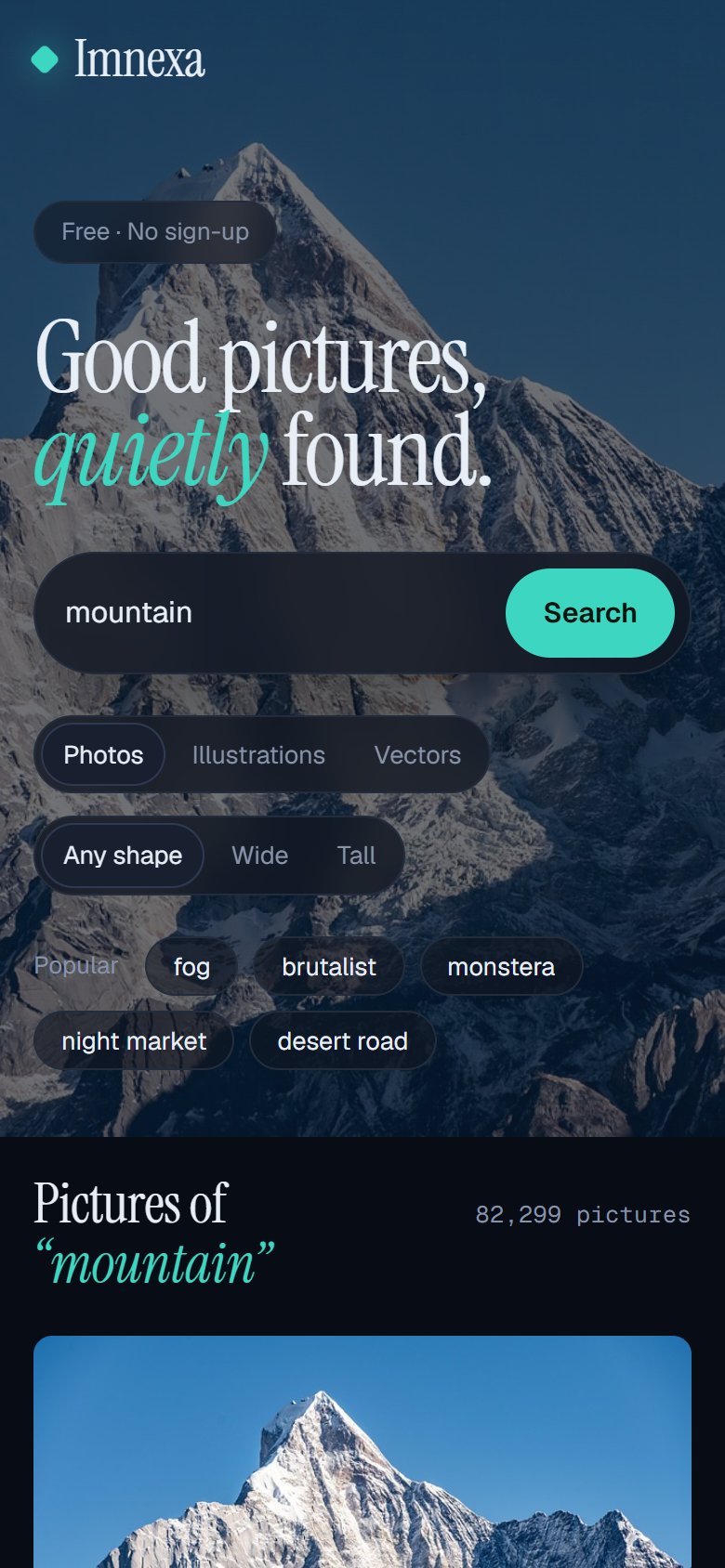
A dark, photo-first interface that works from phone to ultrawide.
Tech stack
Security
Imnexa is small enough to audit in an afternoon, and it is built so there is little to get wrong.
.env, never sent to the browser or included in error messages.pip-audit reports no known vulnerabilities.FAQ
Yes. Imnexa is open source under the MIT license, and the Pixabay API is free to use with a free API key.
Create a free account on Pixabay, open the API documentation page and copy your key. Paste it into a .env file as PIXABAY_API_KEY, then start the app.
Pixabay content falls under the Pixabay Content License, which generally allows free commercial use without attribution. Always check the details on the picture's Pixabay page for restrictions such as identifiable people or trademarks.
The key is only read on the server and is never exposed to the browser. The .env file is git-ignored, error messages never contain it, and the download route only fetches Pixabay image URLs. See SECURITY.md for details.
The Pixabay API only returns the first 500 hits for any query. Use more specific search terms or the type and shape filters to narrow things down.
Imnexa is designed for local or private use. If you deploy it, run it behind a production WSGI server such as gunicorn with HTTPS and add rate limiting, because the Pixabay API allows 100 requests per minute per key.
Free, open source and yours to run. A star on GitHub helps other people find it too.